See the systems before we build yours.
Click through working examples of websites, dashboards, portals, maps, intake flows, content systems, and AI business memory. The demo does not need to match your exact industry. It only needs to show the kind of leverage your business needs.
Open a workflow
Choose the demo closest to the way your business runs. It does not have to match your industry exactly.
Use the screens
Click the maps, tabs, portals, charts, forms, queues, and owner views. The details are the point.
Scope your version
When a demo feels close, use the estimator to price a practical first build around your operation.
Choose by workflow
Find the demo that feels closest to your business.
The strongest demo is usually the one that matches how work moves: crews, guests, rentals, tickets, listings, maps, customer requests, or follow-up.
Field service systems
“I manage jobs and crews in the field”
Contractors, builders, welders, land clearing, dock builders — anyone whose work happens away from a desk.
What usually hurts
- Leads arrive with missing details
- Photos get lost in texts
- Estimate follow-up is inconsistent
- Job notes live in too many places
- Invoices and tasks are disconnected
Website improvements
- Contractor website from scratch
- Legacy site cleanup
- Project gallery
- Service-area SEO pages
- Quote request form
Software & dashboard modules
- Lead intake dashboard
- Photo upload and project notes
- Estimate tracker
- Job schedule
- Invoice summary
- Client message history
AI / business memory
- AI intake helper that turns customer descriptions and photos into organized project notes
- Searchable job knowledge base for specs, vendor notes, warranty details, and SOPs
- Estimate-draft support based on saved service templates and project history
Live demo library
Six working systems you can open right now.
Mock data, real interaction, no sign-up. Each demo is built to show what a custom business system can do when the website, operations, and owner view are connected.
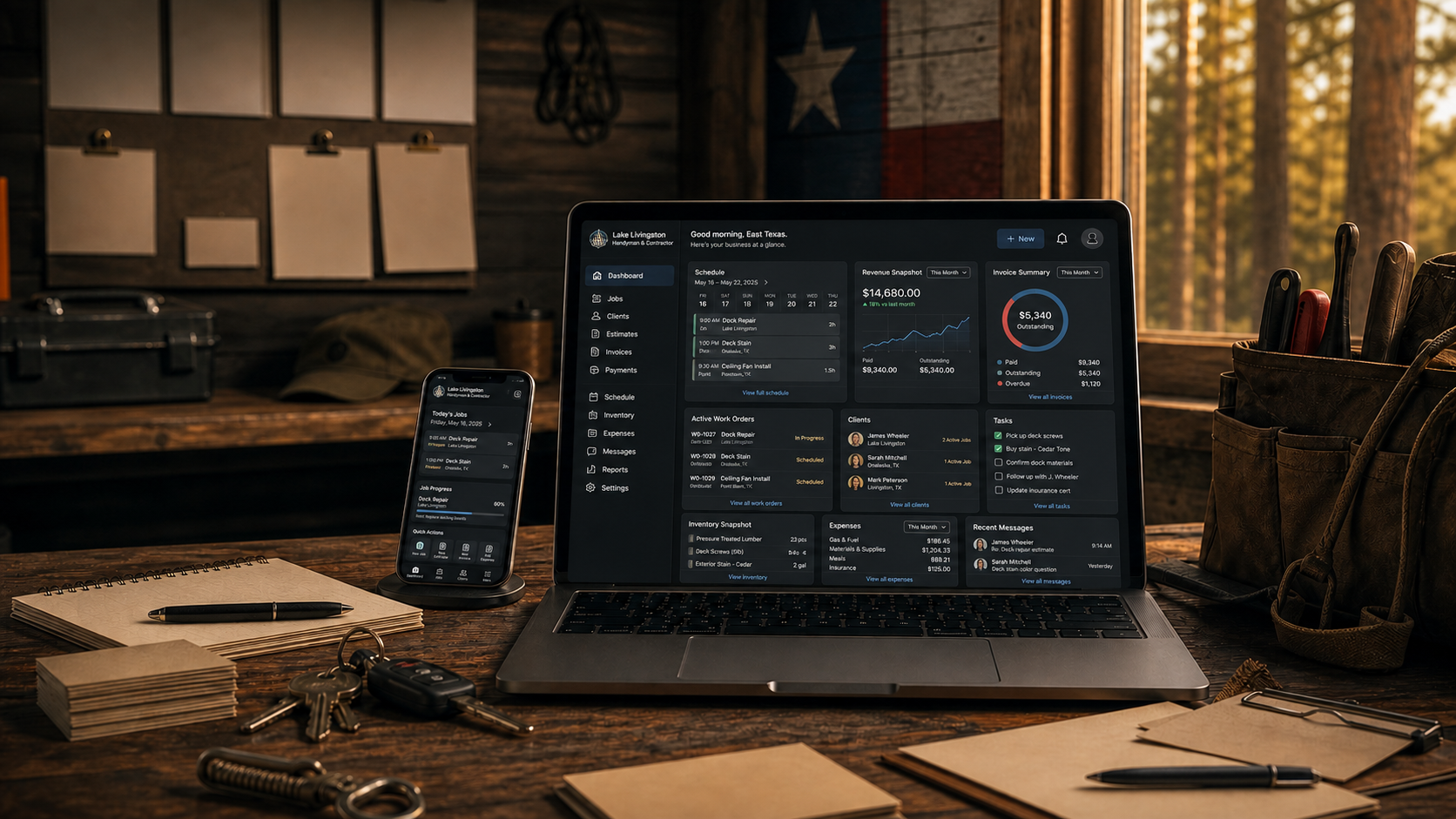
General contractor demo
Piney Shores Construction Dashboard
A field-ops command center for jobsite maps, crews, estimates, photos, receipts, owner memory, and employee portal workflows.
- Jobsite map
- Employee portal
- Quote estimator
Test driveOpen the jobsite map · Send a quote through the estimator · Check the employee portal
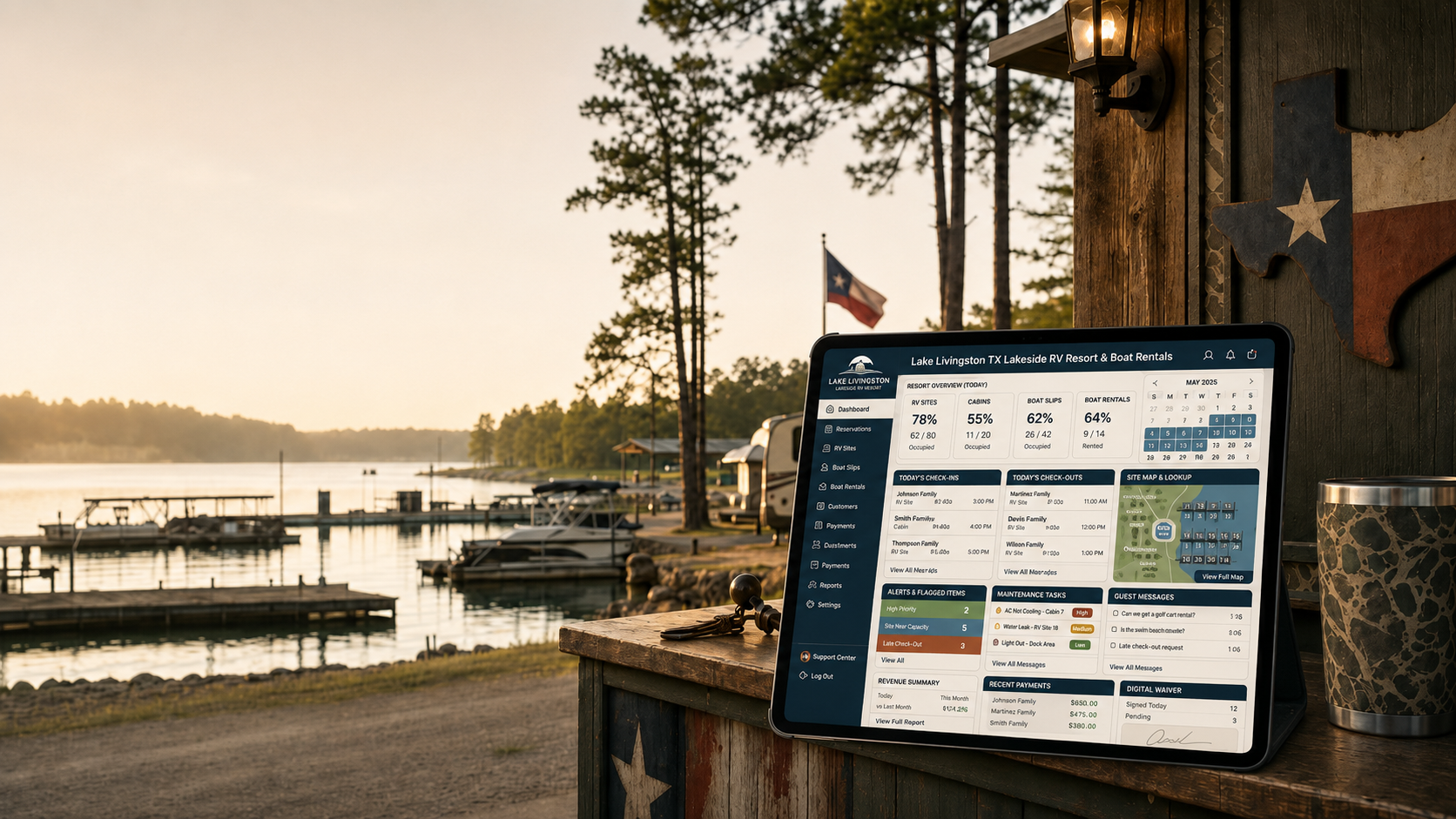
RV park demo
Big Pine Landing RV Resort System
A guest-stay operating system for occupancy, site maps, guest app purchases, employee tasks, maintenance, utilities, and owner notes.
- Guest app
- Interactive park map
- Utilities & billing
Test driveClick the park map · Add a guest purchase · Review the owner memory
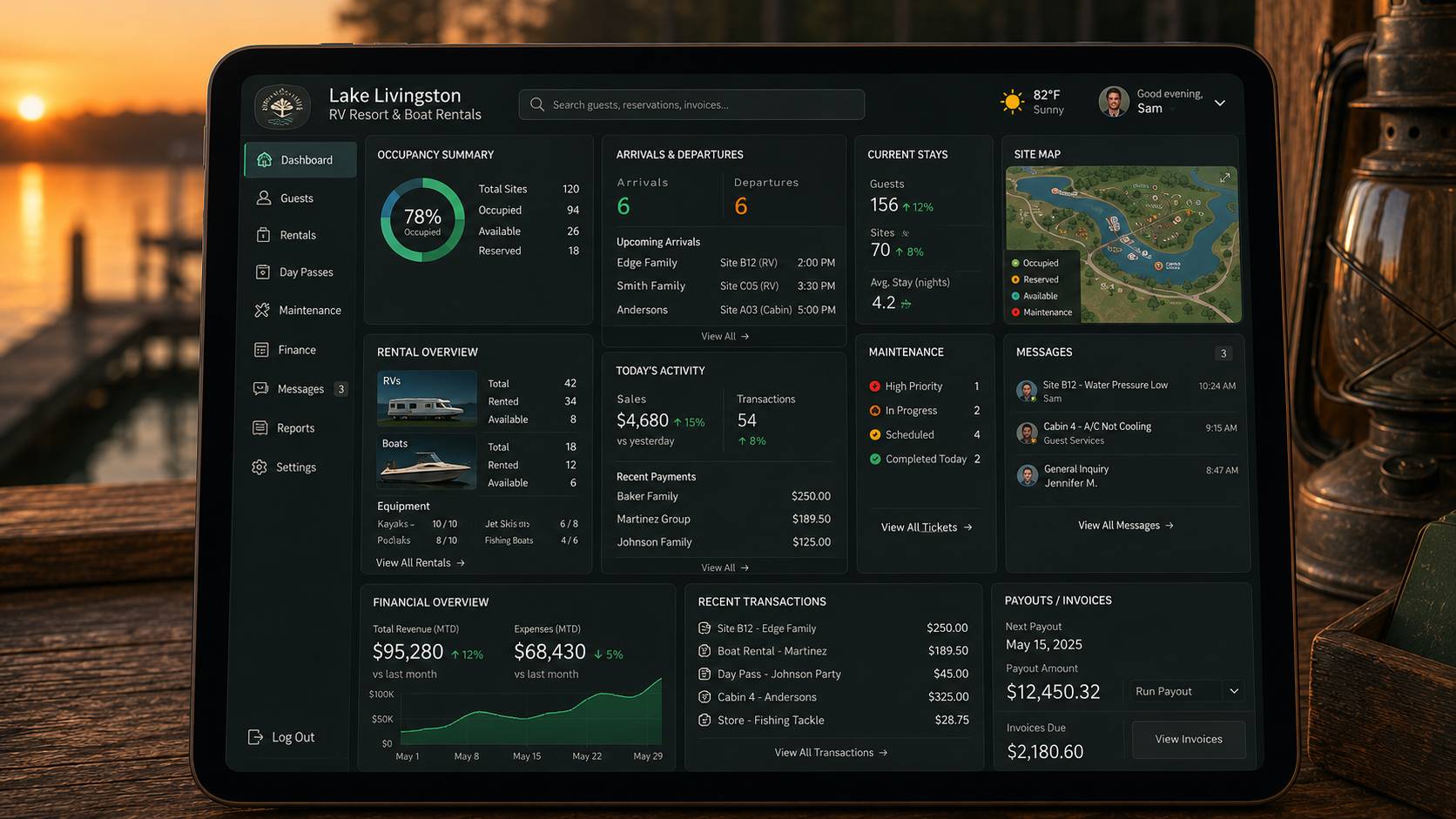
Marina demo
Pine Cove Marina & Boatworks System
A dockside operating system for slip occupancy, an interactive marina map, fuel and service tracking, dockhand tasks, a boater guest app, and owner memory.
- Interactive marina map
- Boater guest app
- Fuel & service tracking
Test driveOpen the slip map · Assign a dockhand task · Search owner memory
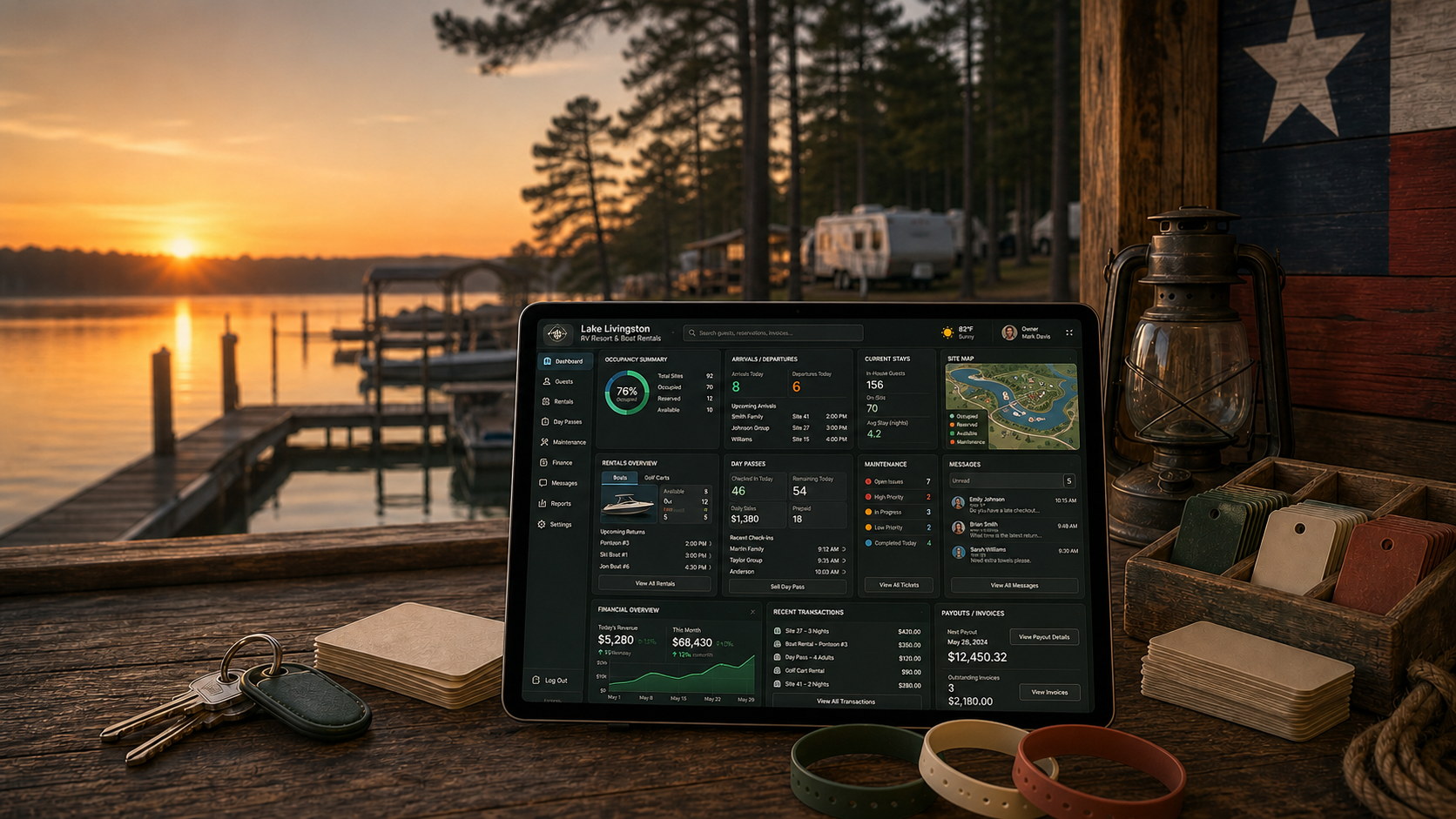
Boat rentals demo
Pine Cove Boat Rentals System
A rental operating system for bookings, waivers, deposit holds, fleet turns, return inspections, guest add-ons, dock crew tasks, and owner notes.
- Fleet map
- Waivers & deposits
- Crew turn queue
Test driveMove through a booking · Check waiver status · Review the fleet turn queue
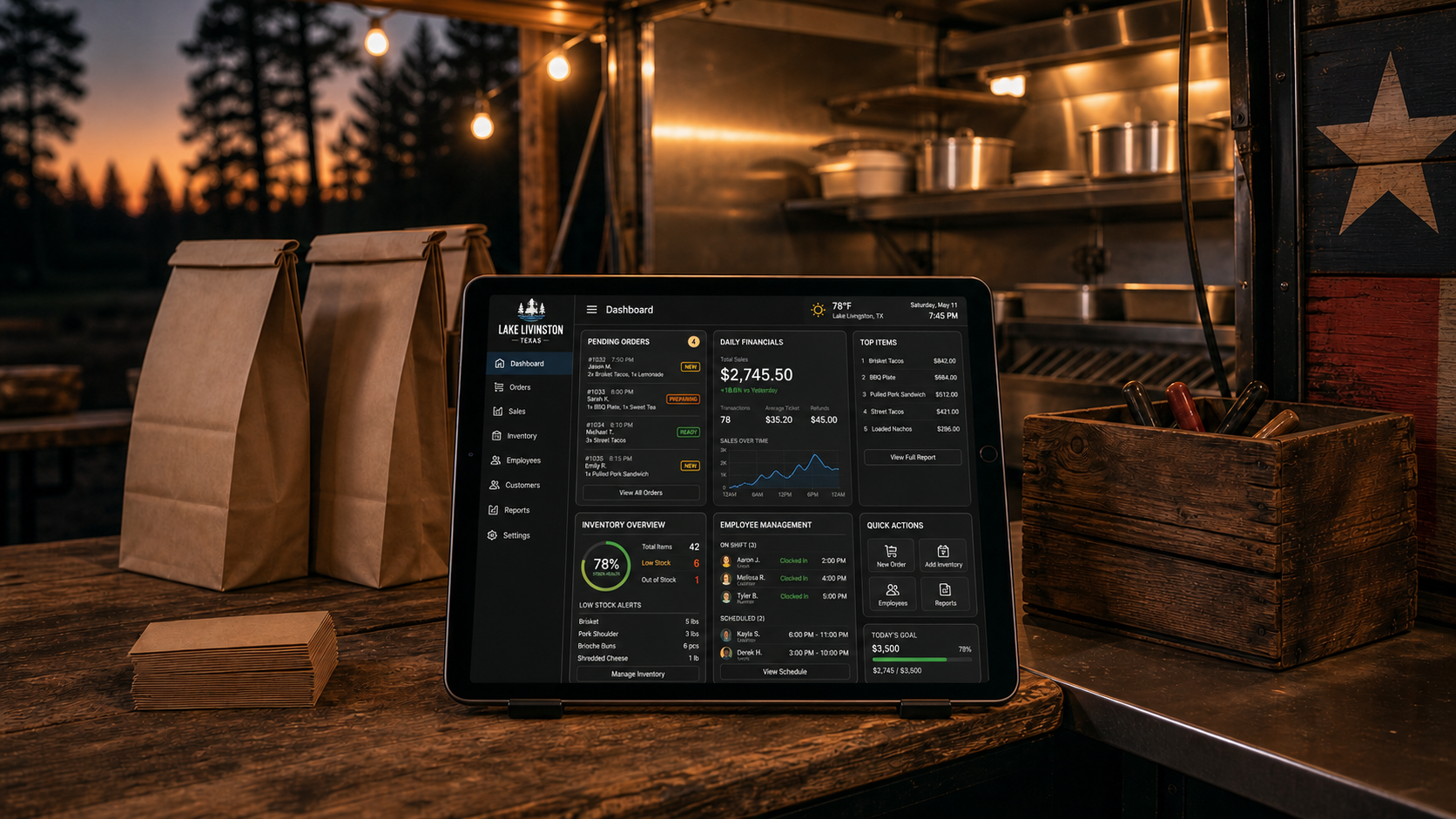
Food truck demo
Piney Smoke Food Truck Command Center
A mobile-kitchen operating system for daily routes, live ticket queues, sellout forecasts, event and catering pipeline, crew checklists, a customer app, and owner memory.
- Route map
- Sellout forecast
- Event pipeline
Test driveCheck the live ticket queue · Open the route plan · Review the sellout forecast
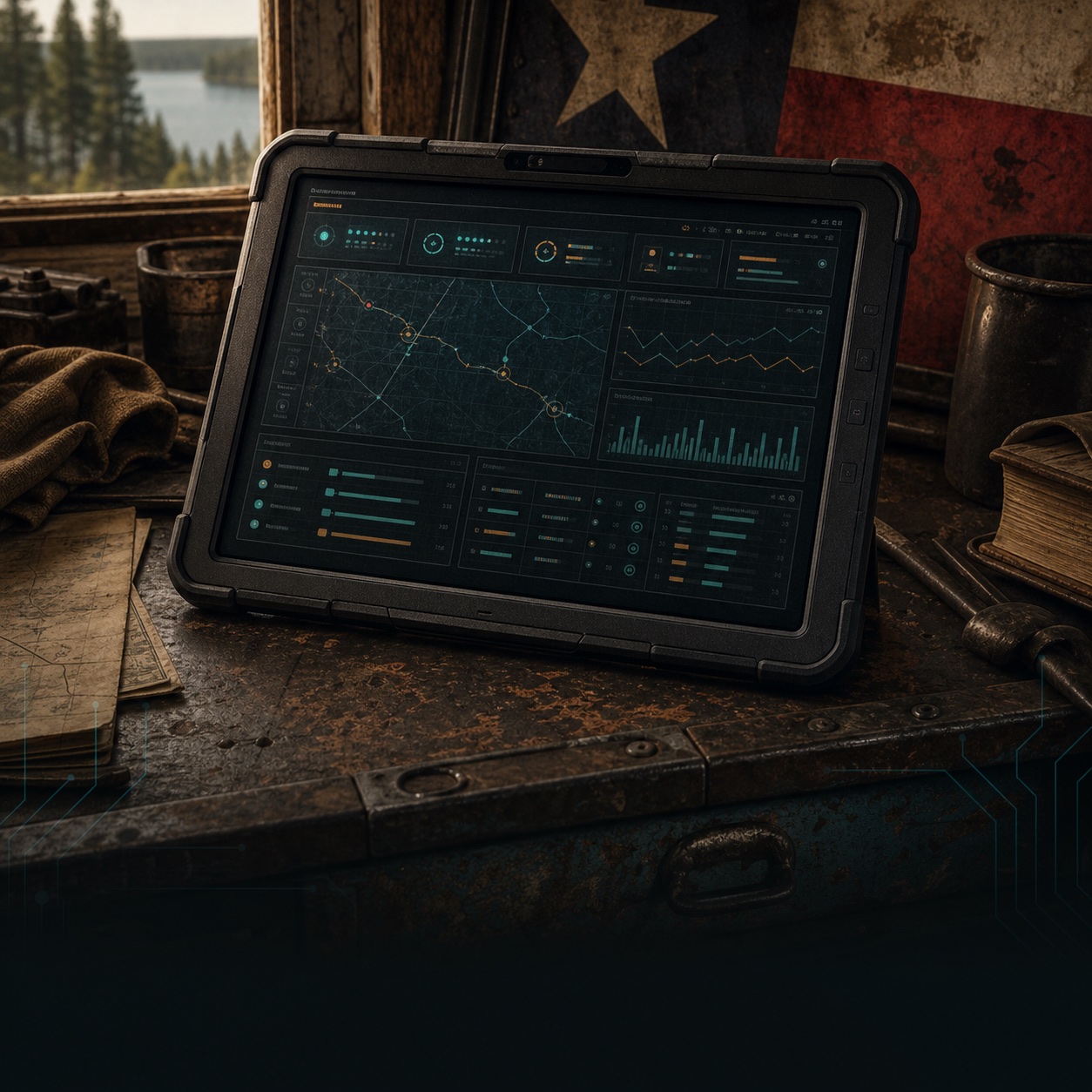
Real estate demo
Lake & Pine Realty Command Center
A growth and operations command center for agents and brokerages: lead pipeline, listing launches, a showing map, closing deadlines, property management, and owner memory.
- Lead routing
- Listing launch
- Closing desk
Test driveRoute a new lead · Open a listing launch · Check closing deadlines
Build your version
Found the closest system? Scope the first useful version.
Start with the workflow that matters most: leads, bookings, jobs, customer access, staff tasks, dashboards, or searchable business memory. We can build the first layer cleanly, then expand it as the business proves what it needs next.